Getting started
Assist4Biz handles the paperwork side of a small business. You keep your customers and products in it, and you make invoices from them.
It is built for your phone. You can also use it on a tablet or a computer. It comes in English, German and Spanish, with a light and a dark look.
What each section is for
Section titled “What each section is for”| Section | What it holds |
|---|---|
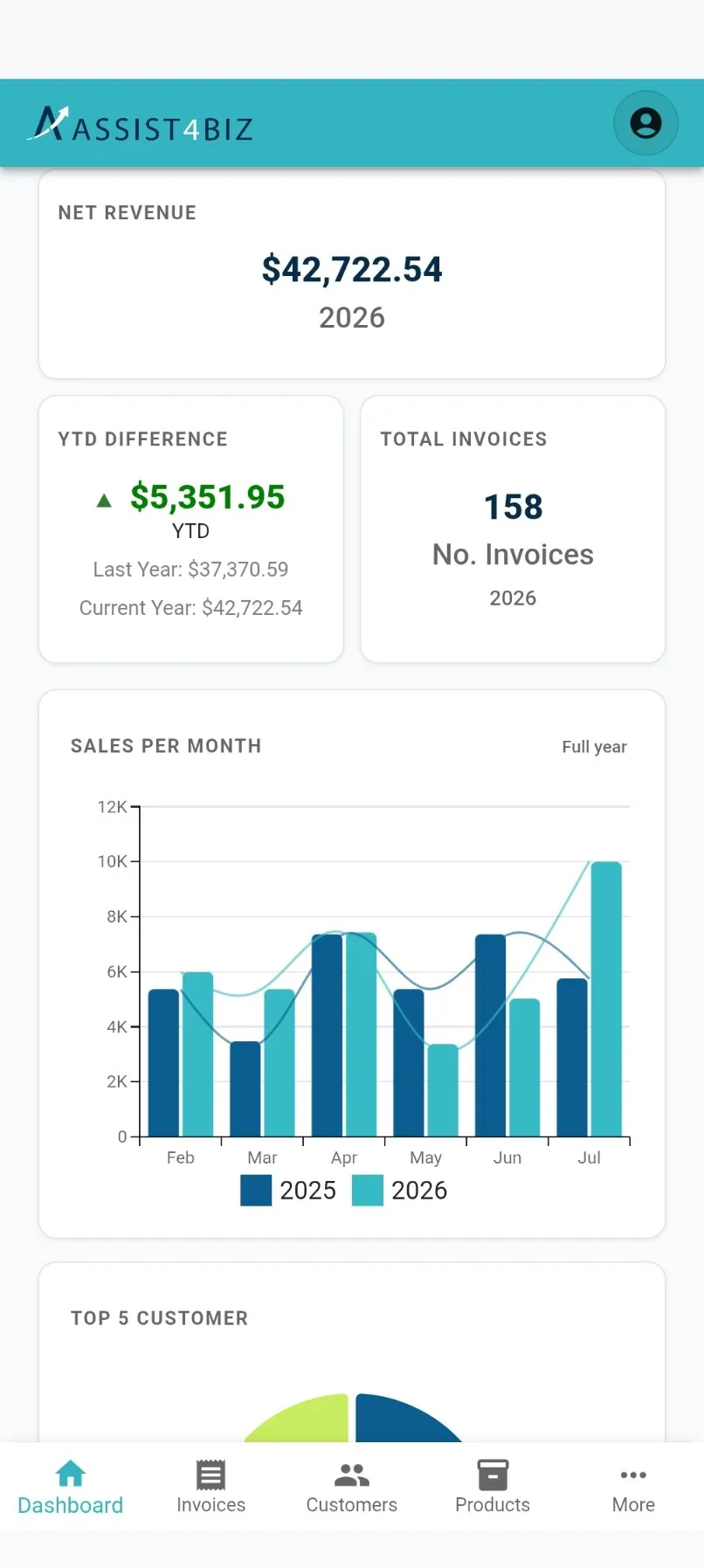
| Dashboard | Your starting screen. Charts and figures for how business is going. |
| Invoices | Your invoices, what is on them, and what they add up to. |
| Customers | The people and companies you invoice. |
| Products | What you sell, whether that is goods, services or hours. |
| Taxes | The tax rates you want to use on invoices. Tap More to get there. |
| Settings | Your name, your password, your company details and the app language. |
Dashboard, Invoices, Customers and Products are always at the bottom of the screen. Tap More for Taxes and Settings.
How the lists work
Section titled “How the lists work”Customers, Products and Invoices all use the same kind of list. Learn one and you know all three.
- Search. Type at least two letters. The list updates on its own a moment after you stop typing.
- Load 10 more. Tap it to see the next ten. When there are no more, a line tells you how many you are looking at.
- Tap a card to open it. You make your changes there.
- New. The button at the bottom right starts a new customer, product or invoice.
What each search looks at:
| Section | Search finds by |
|---|---|
| Customers | Customer name |
| Products | Product name and short code |
| Invoices | Invoice number |
Invoices also have buttons above the list to narrow it down. See Invoices.
Staying signed in
Section titled “Staying signed in”You stay signed in between visits. You will not have to type your password every time.
About once a week Assist4Biz asks for your password again. That is a security check and it is normal. Type it in and carry on where you left off.
If you forget your password, you can reset it in four steps. Ask for a code, type in the code that arrives by email, pick a new password, and you are done.